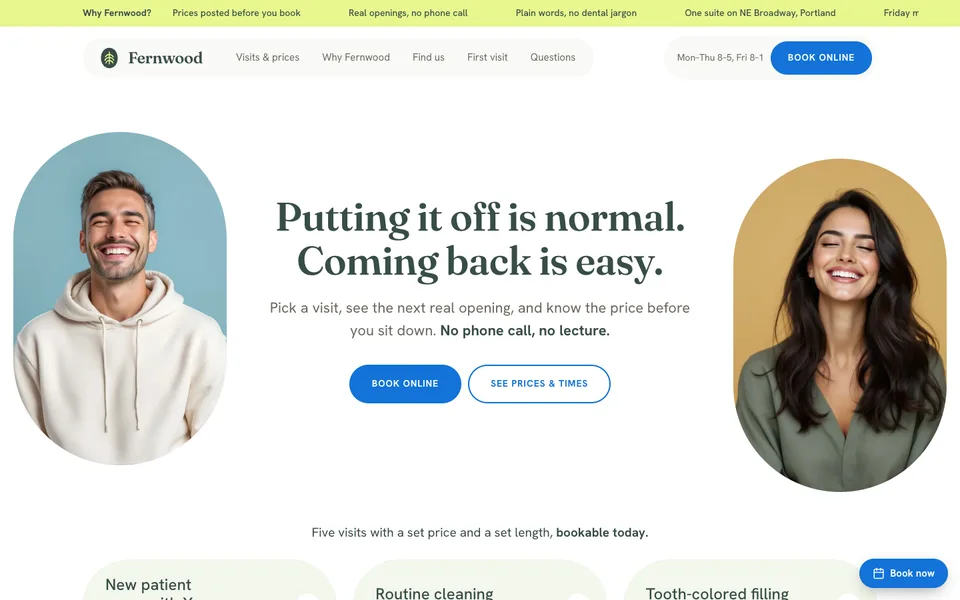
New patients book without calling
The patient picks a day and time from your real openings and leaves a name and a phone. No waiting for the front desk to pick up, and nobody asks how long it has been.
Plenty of people put off the dentist for years, and what stops them is the phone call and not knowing the bill. The site shows your real openings, the price of an exam, a cleaning or a filling, and lets them ask for a quote on implants or braces with no commitment. Describe your practice in one line and Yodai publishes it today.
Build my practice siteFree, no card needed. You pick a paid plan later, if you need one.

Before booking, a patient wants two answers: what it will cost and whether they can book without explaining themselves on the phone. The site gives both, even at 11 at night.
The patient picks a day and time from your real openings and leaves a name and a phone. No waiting for the front desk to pick up, and nobody asks how long it has been.
Exam with X-rays, cleaning, filling, whitening, emergency visit. Each with its price and the time it takes in the chair, so the calendar adds up and nobody walks in scared of the bill.
Whatever can't be priced until you see the mouth is requested from the site with a short form. It lands in your dashboard, organized, and you answer with numbers after the first exam.
Automatic, over WhatsApp. A cleaning gets booked weeks ahead and forgotten just as easily: the reminder the day before is what keeps the chair full.
"How much is a cleaning?" "Do you take emergencies?" "Do you see kids?" It answers with your visits, your prices and your openings, and leaves the appointment written down for you to confirm.
A Google listing with your hours, phone and map, so you show up when someone searches "emergency dentist near me" on a Sunday night.
What visits you offer, where you are and when you open. Prices if you have them handy; if not, they go in later from the dashboard.
In minutes your site is live at yourpractice.yodai.ai, with your copy, your treatments, a spot for your license number and AI-made photos if you don't have your own yet.
From the dashboard, on your phone: real hours, the length of each visit, slots kept for emergencies, and the number where the bot answers. What you change goes live right away.
From the Yodai blog: the decisions behind the calendar, pricing and quotes, and why.

By the end you'll know which slots book themselves, which you handle by hand, and have a text ready that confirms bookings without a call.
Read →
Make your online calendar block exactly the hours you can't take anyone, no more, no less.
Read →
If your price never changes, put it on the page. If it depends on the job, give a range and a real example, never silence.
Read →
Once the customer names a day and time, close the booking in the same thread, deposit included. An outside link loses appointments on the way.
Read →
Your Google Business Profile, not your website, is the thing to get spotless first, with real reviews, if you want to show up when someone searches nearby.
Read →
You'll learn why reviews outweigh your site's text for ranking on Google Maps, and have a reply ready for the bad review you've been avoiding.
Read →Pricing, payments, bookings and getting found. Written for small businesses.
Go to the blog →And each piece, up close: online booking, the WhatsApp bot and the online store.
An early cancellation; the slot goes back on the site and an emergency takes it.
Price of a cleaning and a first exam booked for Tuesday, no phone call.
Tomorrow's chair covered and a quote request for clear aligners.
Tell us what you do and your site is live this afternoon. Free, no card needed.
Three plans, no lock-in. You start on the free one and switch from the dashboard the day the calendar asks for more.
Your site live on a Yodai subdomain, an editor for text and photos, unlimited treatments, bookings with an email reminder, card payments, a WhatsApp button and a contact form.
Everything in Free, plus a WhatsApp bot that takes bookings, your own domain in your name, no Yodai branding and your site submitted to Google.
Everything in Pro, up to 5 businesses with their own site, your team with access to orders and bookings, and phone support.
Plus sales tax where it applies.
See the plans in detail →Yes. They pick a day and time from the open slots in your calendar and leave a name and a phone or email. Bookings, with an email reminder the day before, are included from the free plan.
A short form on the site: what the patient is interested in and how to reach them. It lands in your dashboard, organized, and you answer with numbers once you've seen them. It isn't a purchase: it's a request.
Visits with a fixed price, like a cleaning or whitening, can be paid by card on the site.
Yes, on your own number, with your visits, your prices and your hours, and it leaves each appointment written down for you to confirm. It doesn't invent prices or openings. When the patient asks for a person, it hands you the conversation.
The site asks for a name, a phone or email and a time, nothing else, and there is no field for a diagnosis or a reason for the visit unless the patient chooses to write one. Yodai is a website with a calendar, not a dental records system: clinical notes stay in the practice software you already use.
On the Business plan you run up to 5 practices, each with its own site, and your team gets their own login to see orders and appointments.
Yes. On the Pro plan the domain stays in your name and the site carries no Yodai branding. You change the copy, the photos and your license number whenever you want.
The same calendar, the same payments and the same bot, told for each practice.