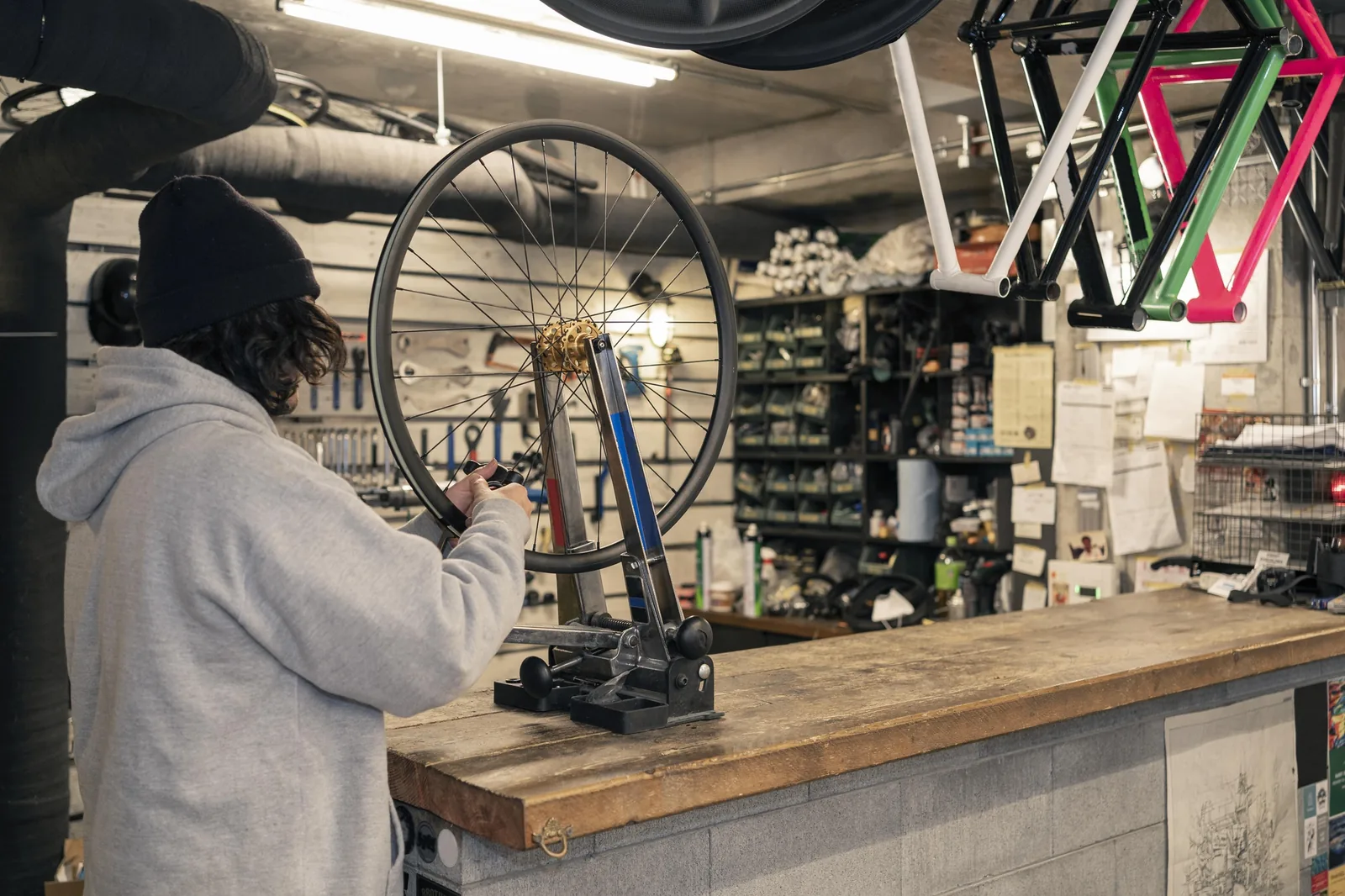
If you sell things
Shop, florist, repair shop. A catalog with prices, a cart and in-store pickup. Stock goes down on its own when someone buys, and the order arrives with a name and a phone number.
Pricing, Google, getting paid and texting: what to decide in each case, and why. No theory, just the same judgment we use ourselves.


What we get asked most and what gets talked about least: what to charge, how to show it on your site, and how to raise prices without losing your regulars.


Let the conversation close the sale on its own, without you glued to your phone waiting to reply.

A booking form only needs the basics to confirm an appointment; everything else can wait until the customer is already booked.
5 min read
Once the customer has named the day and time they want, closing the booking right there in the same thread, deposit included, wins appointments that an outside link loses on the way.
3 min read
By the end you'll know which slots book themselves, which you handle by hand, and have a text ready that confirms bookings without a call.
4 min read
Decide where every order gets created, how you move over the ones that arrive by another channel, and the exact sentence that keeps you from losing any.
3 min read
Know the one action your website should ask for above the fold, and why three identical buttons get clicked by no one.
4 min read
By the end, you'll have the five answers customers always want, written out with exact numbers, ready to paste or feed to your chatbot.
4 min read
Automate the questions that repeat every day in your texts, and save your time for when a customer is ready to buy.
4 min read
Learn the three signals that mean your bot should stop, and the exact phrase to hand off the conversation without losing the thread.
4 min read
Learn the only message that never feels pushy: the one that reminds them it's their turn, not the one that suits you.
4 min read
Set three fixed windows for checking messages, write out the answers you repeat every day, and put up an away message, so speed stops depending on being permanently available.
3 min readShop, florist, repair shop. A catalog with prices, a cart and in-store pickup. Stock goes down on its own when someone buys, and the order arrives with a name and a phone number.

Salon, physical therapist, clinic, photographer. A calendar with your real openings, a deposit charged at booking, and a reminder the day before so nobody forgets the appointment.
Who writes this?
Every article starts with a real question about pricing, texting or Google, not a syllabus written ahead of time.
How we pick the topicsPayments, the text auto-replies and the Google Business Profile: we didn't read about them anywhere. We built them for Yodai.
What the people who tried it sayNo marketing jargon and no developer talk. If an unusual word is needed, it gets explained in the same sentence.
Frequently asked questions

One line. No forms to fill in: you say it the way you'd say it to a customer, and a few minutes later your site is live.
It arrives already written, with your services and your prices in place. You fix whatever doesn't fit and swap in your own photos.
Turn on card and Apple Pay and the calendar with deposits. It's free and no card needed: you pay once your site starts bringing in money.
What if you don't have a website yet?
Write four lines about what you do and your site comes outwith your copy, your photos and your catalog.
No coding and no templates to fill in. If you already have an old site, its content can be brought over and you continue from there.A cart, deposits and payment links for the chat:the money lands in your accountfrom day one.
Card and Apple Pay, with the order alert on your phone. No separate store to set up and nothing else to sign up for.Prices, hours and photosyou change them yourself from your phone, in the same dashboard as your products.
No calling anyone, no waiting for a quote and nothing breaks. What you touch goes live right away.